
Auchan hypermarkets have self-service kiosks dedicated to photo printing and, in some stores, to the reproduction of common documents. These machines operate autonomously, without the intervention of an employee, which simplifies access to the service but also exposes users to concrete limitations in case of breakdowns or high traffic.
Auchan printing kiosks and wireless connection via QR code
The kiosks installed in Auchan shopping galleries are based on the principle of Self-Service Print Kiosk. The user inserts a USB key, a memory card, or, on newer models, scans a QR code from their smartphone to transfer files wirelessly.
This wireless connection from a phone represents a real time saver. There is no need to transfer photos or documents to a physical medium beforehand. The kiosk displays the detected files, offers a preview, and starts printing after payment on site.
For those who wish to print their documents at Auchan under the best conditions, transferring via QR code remains the most reliable method when the kiosk accepts the file format (mainly PDF, JPEG).
The latest kiosks also include customization templates, particularly for festive photo prints. Some hypermarkets have deployed templates generated by artificial intelligence (Christmas frames, automatic layouts), which speeds up the creation of products like photo books or calendars.

Accepted formats and types of printable documents in-store
The most common confusion concerns the distinction between photo printing and document printing. Auchan Photo kiosks are primarily designed for printing photos on glossy or matte paper, in formats ranging from standard to panoramic.
The printing of administrative documents (pay slips, invoices, certificates) depends on the store. Not all Auchan locations offer this function on their kiosks. When it exists, the supported format is generally A4, in black and white or color.
What the kiosk handles well
- JPEG files for photo prints, with automatic cropping on the screen
- Simple PDF files for text documents, provided they do not exceed a few pages
- Orders placed online via photo.auchan.fr, picked up in-store after a processing time
What poses problems
- Word or Excel files not converted to PDF, which the kiosk does not recognize
- Heavy or multi-page documents, which cause errors or very long processing times
- Special formats (A3, booklet, double-sided), rarely available on Auchan kiosks
Before heading out, converting all files to PDF from a computer or smartphone avoids most on-site issues.
Kiosk breakdowns and queues: when printing falls short
Self-service has a direct downside: when the kiosk breaks down, there is often only one machine per store and no technician on-site capable of intervening quickly. User feedback regularly mentions frozen screens, malfunctioning memory card readers, or depleted photo paper rolls.
Peak times (Saturday afternoons, holiday periods) exacerbate the problem. One kiosk for an entire hypermarket creates a bottleneck as soon as two or three customers show up at the same time, especially if one of them orders a complete photo book.
Several reflexes can help limit these inconveniences:
Prefer time slots during the week, in the morning. Check before leaving that the store indeed offers printing services (not all Auchan locations are equipped the same way). Prepare files in advance, in the correct format and on a reliable medium, to reduce the time spent at the kiosk.
For photo orders, using the site photo.auchan.fr and picking up prints in-store a few days later remains the safest solution. Processing is done online, without depending on the condition of the local kiosk.
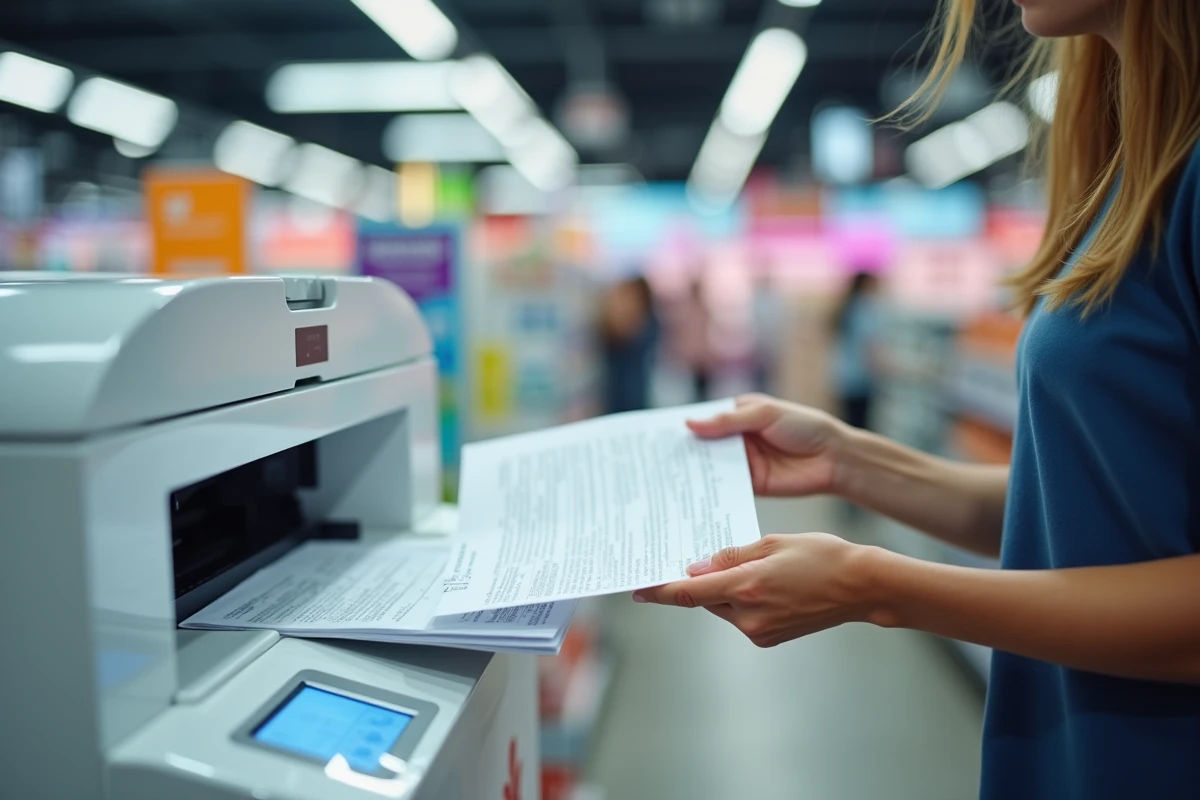
Alternatives to Auchan: La Poste and Bureau Vallée for document printing
When the Auchan kiosk is down or the desired format is not available, two alternatives cover most needs.
La Poste has installed Ricoh photocopiers in many offices that allow printing and scanning in black and white or color. The operation is simple: a USB key is sufficient. The service accepts administrative documents without type restrictions, making it a reliable option for urgent prints.
Bureau Vallée offers a different positioning. The printing service operates in self-service or with the assistance of an employee. Prices are tiered based on volume, and formats range from A4 to A0 with various finishes (lamination, binding, cutting). For bulk document prints or large format printing, Bureau Vallée offers flexibility that no hypermarket kiosk can match.
Choosing based on actual needs
For a few quick photo prints, the Auchan kiosk remains practical and accessible during shopping. For an administrative file of several pages or a document in a special format, La Poste or Bureau Vallée avoids unpleasant surprises.
The choice also depends on proximity. A post office is often closer to home than a hypermarket, reducing the trip for a simple invoice or certificate print.
Printing in a hypermarket remains a supplementary service, designed for occasional photo printing. As soon as the need exceeds this scope, specialized retailers take over with more comprehensive equipment and more responsive maintenance.